
Reviewed 03 October 2026 · Android. Approved installer: 0.1.0+28 (R28). Guide labels and screenshots are from the inspected local appearance candidate; device installation and recovery outcomes are not established by these screenshots.
Before you start
A compatible Android device, storage for the installer and app, and the approved download source. If Paynoy is already installed, make a backup first.
Steps
- Open Download for Android and check the release information. The currently approved R28 installer still uses the label Generic POS Test.
- Select Download APK on your Android phone. Wait for the browser download to finish; opening this page alone does not install the app.
- Open the downloaded APK using Android’s normal installer. If Android asks to allow this browser to install apps, decide in the system prompt; do not disable Play Protect or signature checks.
- For an existing compatible installation, choose the update option. Do not uninstall or clear app data to force an update.
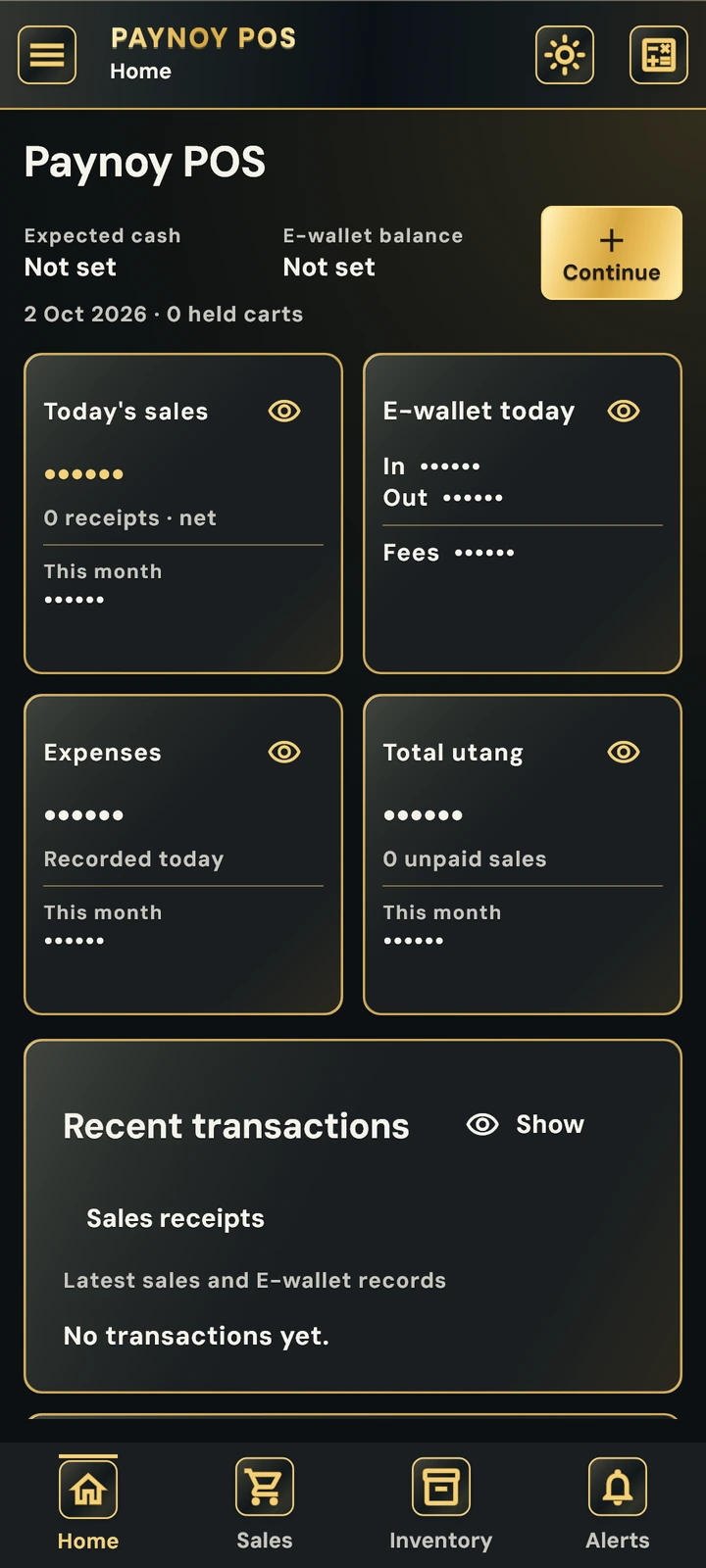
- Open the app. Continue with Sign In for an existing local account, or follow the first-store guide for a genuinely new installation.
Expected result
Android confirms installation or update and the app opens. Existing records must still be checked after an update.
If something goes wrong
If a download is incomplete, retry from the approved source. Stop if the package, signature or compatibility warning is unexpected. Keep the existing app and records.
Support-channel information →