
Reviewed 03 October 2026 · Android. Approved installer: 0.1.0+28 (R28). Guide labels and screenshots are from the inspected local appearance candidate; device installation and recovery outcomes are not established by these screenshots.
Before you start
The approved distribution source, a compatible device, a recent usable backup and its key, and sufficient storage.
Steps
- Open Settings → Check for updates, or navigation → Update App → Check for updates. This site’s release-information page is another approved source.
- Compare the actual version and release notes. The new gold/crystal appearance shown here is a local candidate; the approved download remains R28 until separately released.
- If a newer approved release is offered, select Update or Update to … and wait for Downloading and verifying… before Android’s normal update prompt. Keep the same app identity and signing lineage.
- Do not uninstall, clear data, bypass a signature warning or register a new store as routine update advice.
- After reopening, check sign-in, retained records, access status, a normal authorized sale and the server connection. Report a mismatch before continuing risky work.
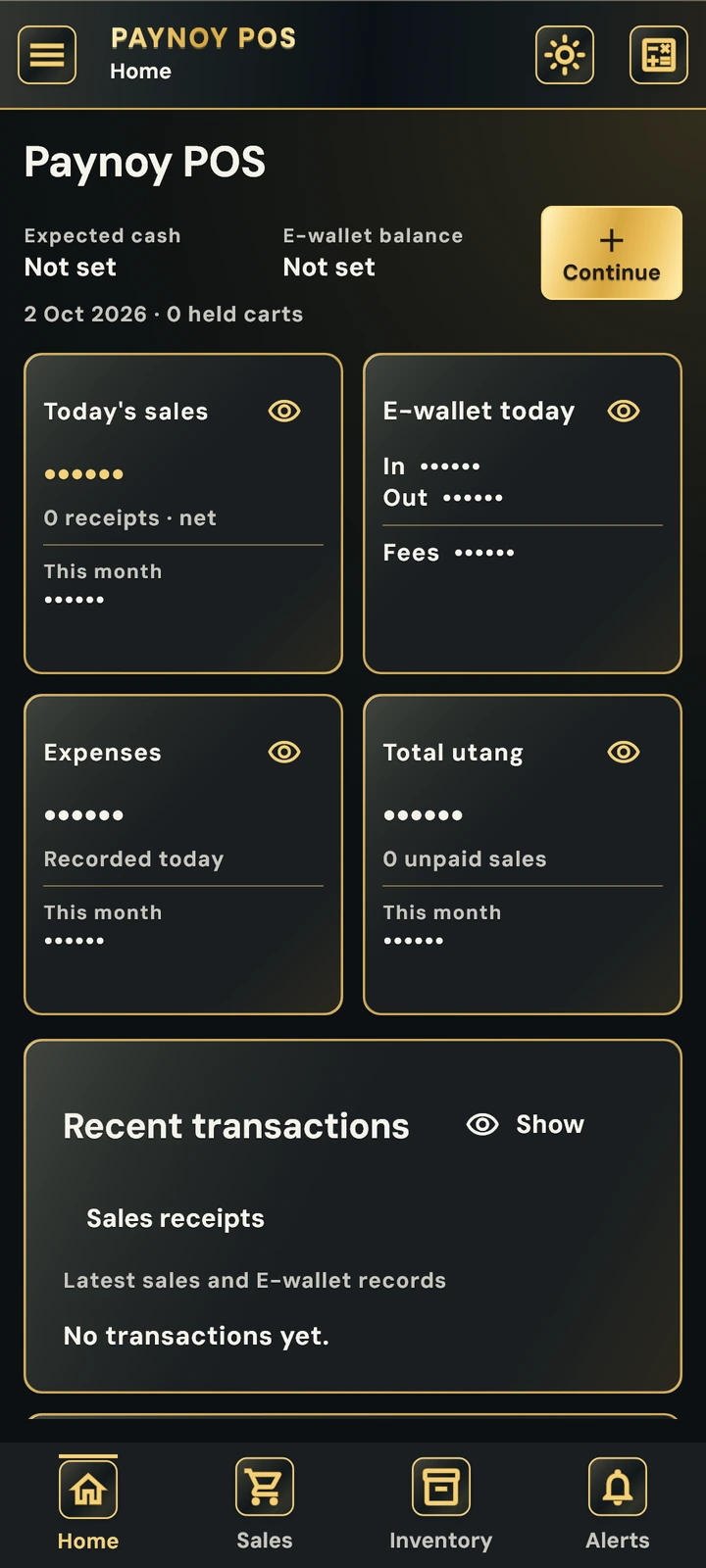
Expected result
Android installs the compatible update and the existing local store remains intact.
If something goes wrong
Leave the original installation intact if the installer rejects the update. Changing a website/domain does not automatically migrate records or an old IP-based app.
Support-channel information →