
EVERYDAY TOOLS
Practical tools for everyday business
Explore the tools in Paynoy POS and see how they fit into your day.
App preview · sample data. These are actual app-widget screens from the local appearance candidate, not the installed R28 release.
AVAILABLE TOOL · ELIGIBILITY APPLIES
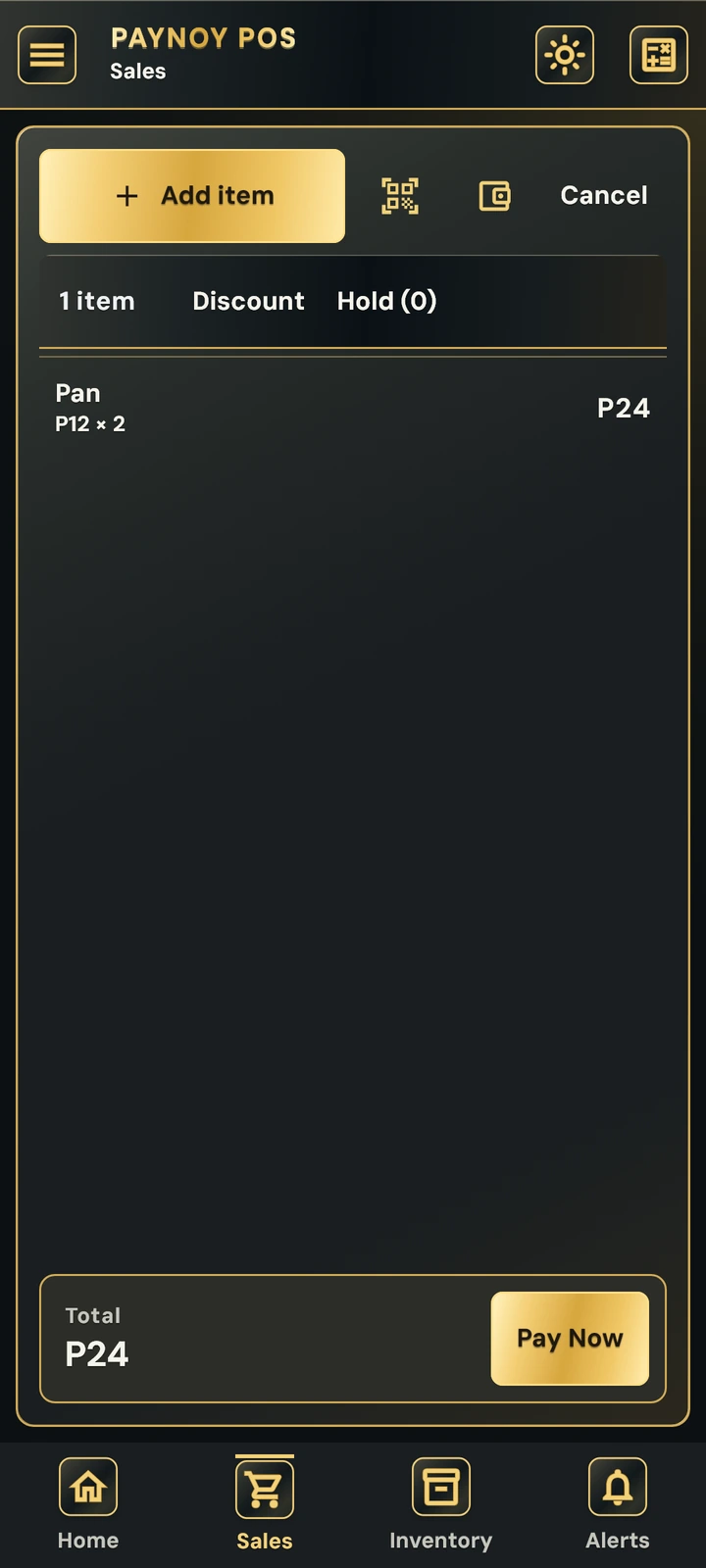
Sales
Keep a clear cart from item selection through payment review. Check the right product, variant and quantity before confirming.
- Item and quantity review
- Cash and eligible payment records
- Saved slips and receipt history
AVAILABLE TOOL · ELIGIBILITY APPLIES
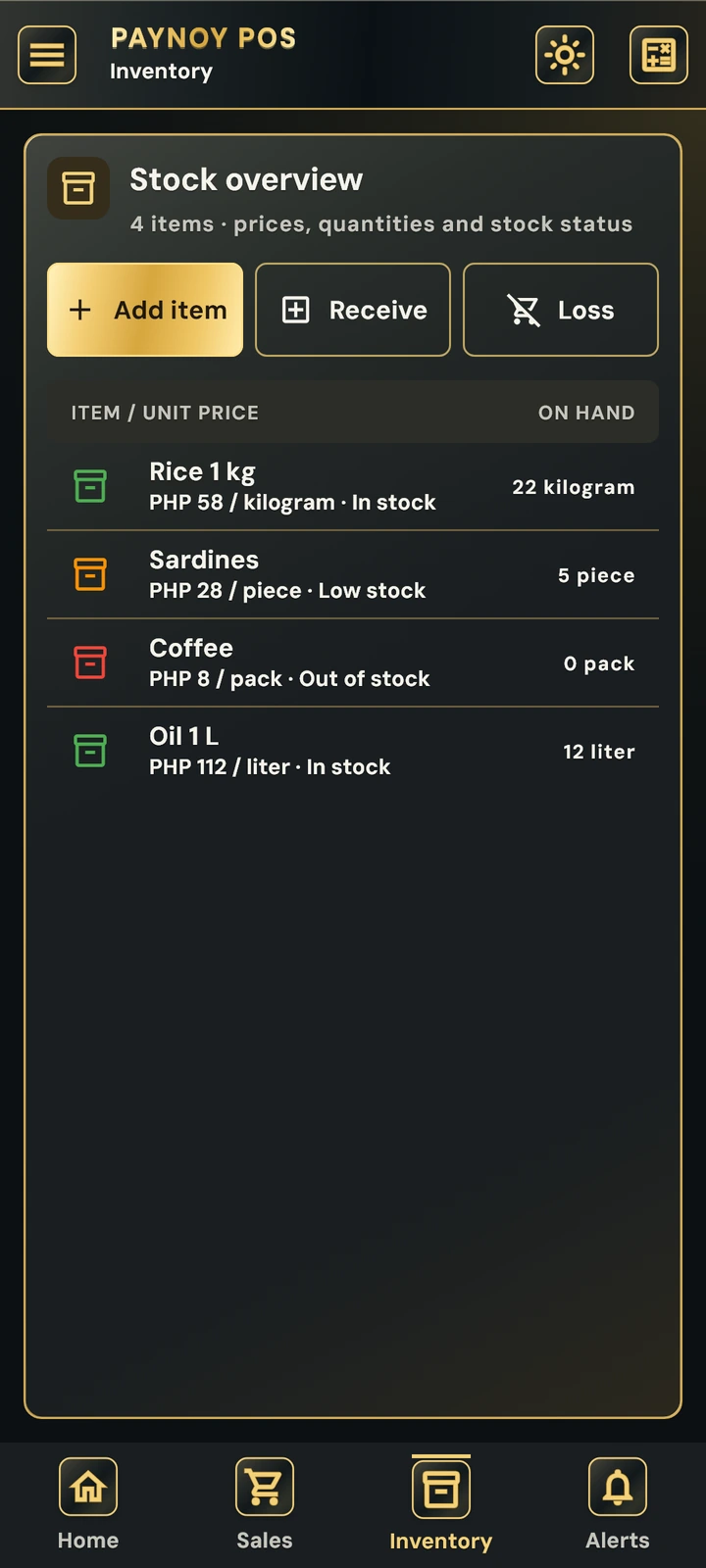
Inventory
See products and their recorded stock. Availability depends on tracked quantities and the store’s actual settings.
- Product names, prices and units
- Recorded stock movement
- Clear low-stock information
AVAILABLE TOOL · ELIGIBILITY APPLIES
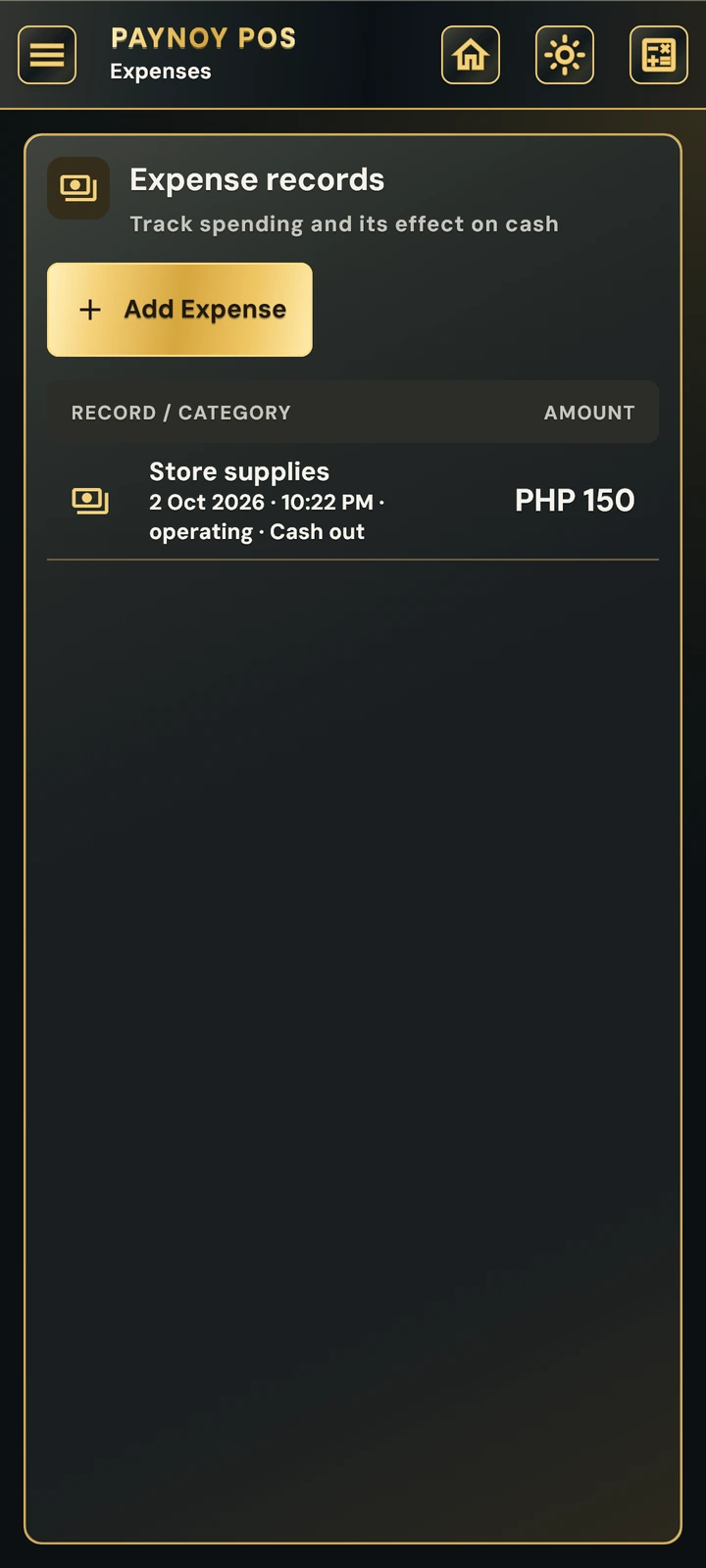
Expenses
Record day-to-day business costs. Expense recording is not a promise of full accounting or tax filing.
- Amount and date
- Supported expense details
- Reviewable expense history
AVAILABLE TOOL · ELIGIBILITY APPLIES
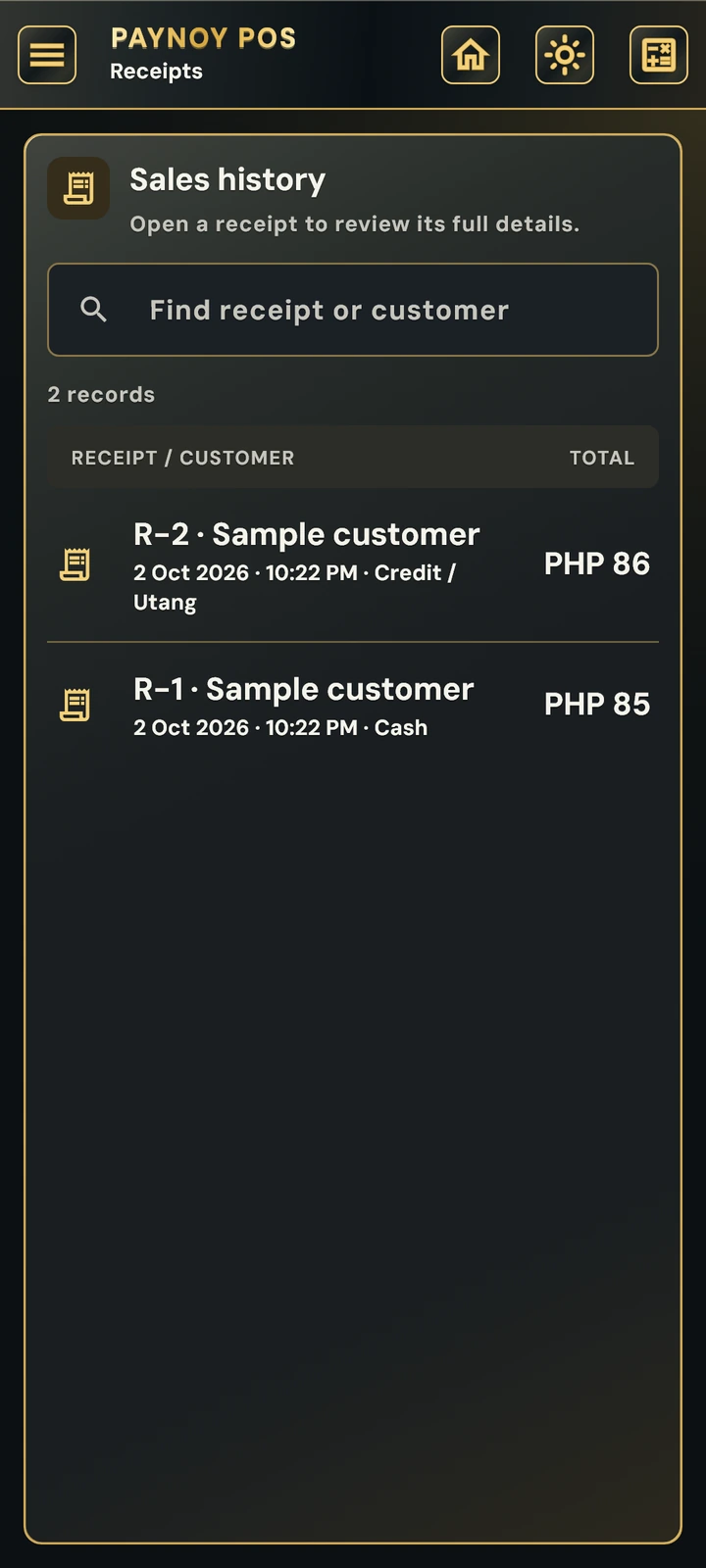
Records
Review committed business activity through existing authorized histories. Local save and server receipt are separate facts.
- Receipt identities
- Supported history views
- Authorized record exports
AVAILABLE TOOL · ELIGIBILITY APPLIES
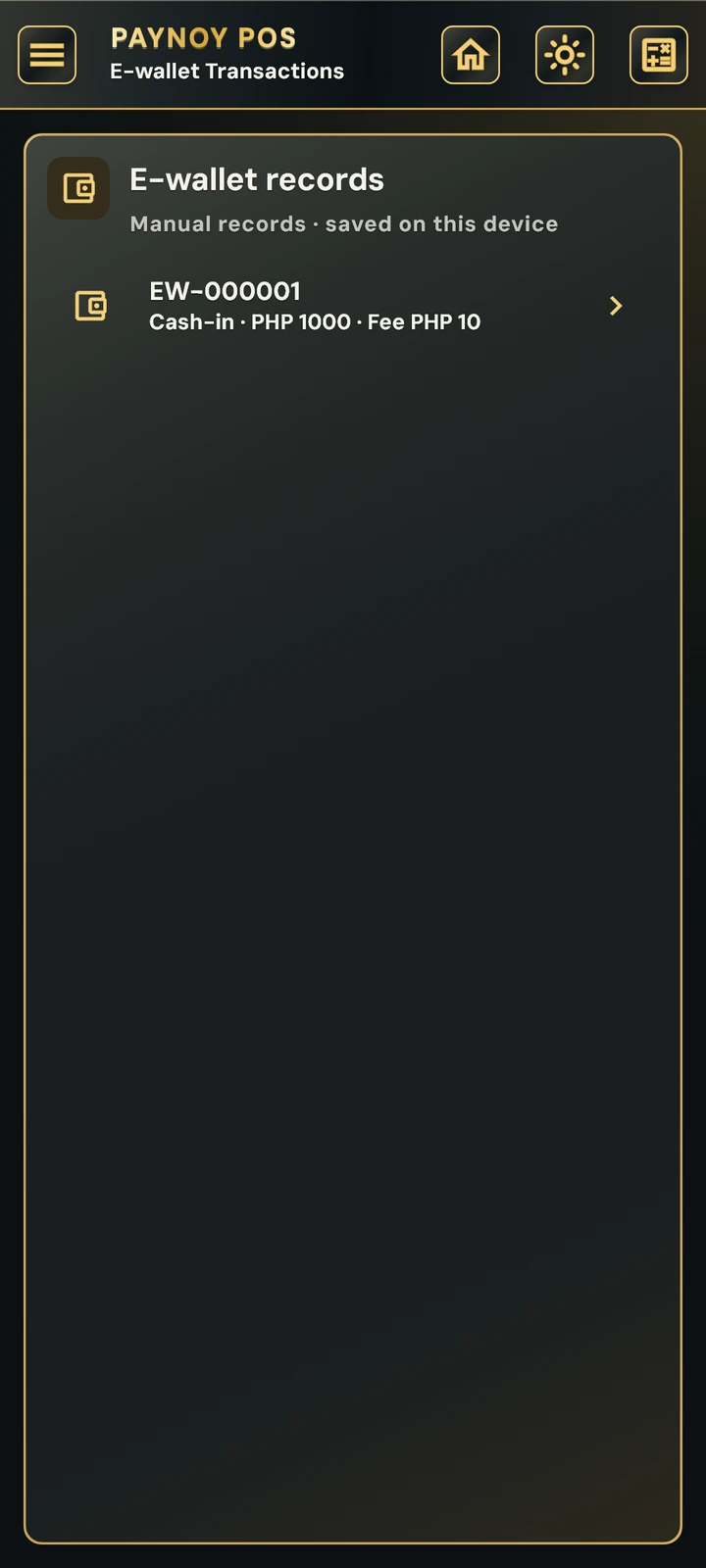
E-wallet transaction records
Manual records do not move money through an e-wallet provider. Complete and verify the external transaction separately.
- Cash-in and cash-out records
- Principal and fee review
- Optional reference number
AVAILABLE TOOL · ELIGIBILITY APPLIES
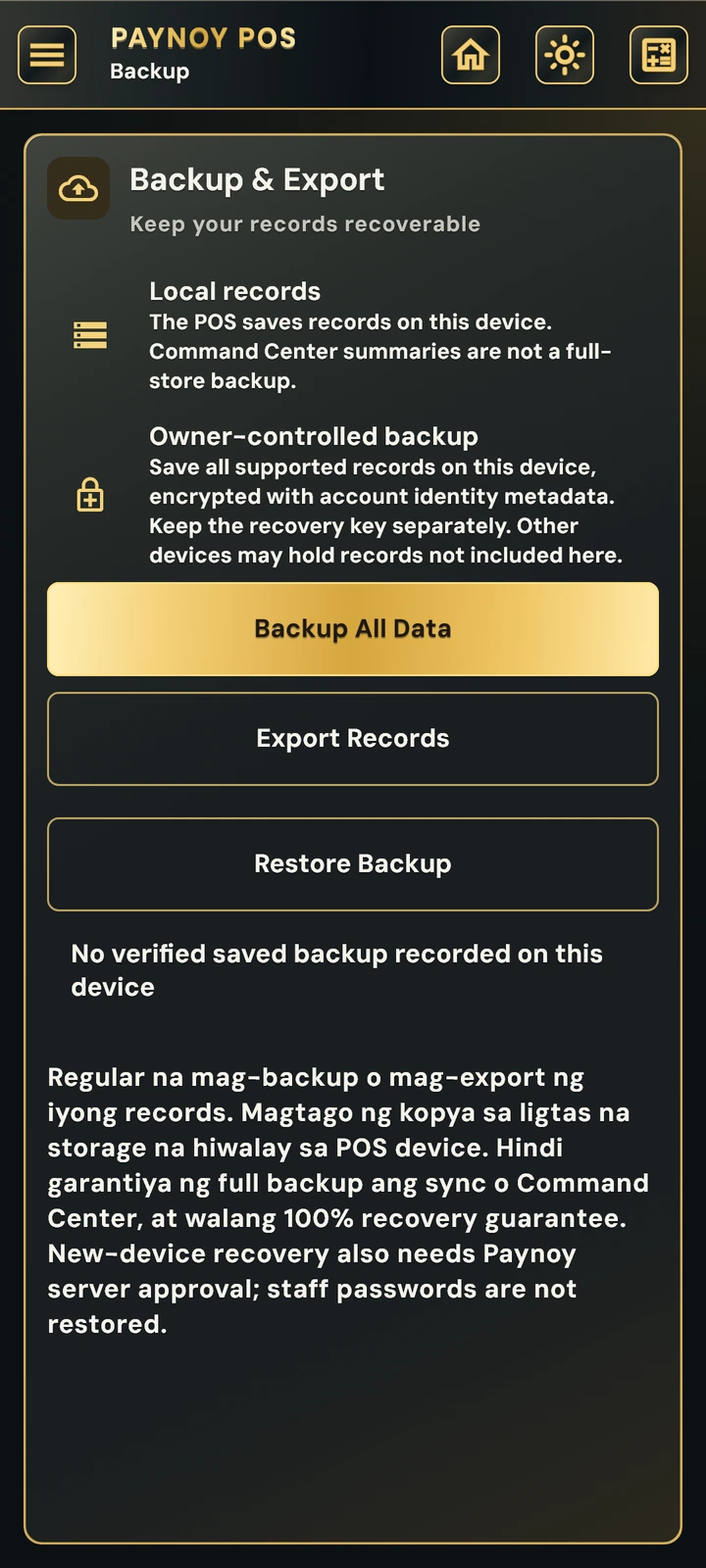
Backup and export
Prepare supported store records and keep a separate copy. Recovery depends on a usable compatible archive, its key and the actual recovery procedure.
- Backup All Data
- Export Records
- Guarded Restore Backup
Customer credit and permissions
Eligible credit/utang records and later payments stay separate. Role, device and plan permissions still apply. A recorded balance is not a financing service.
Plans and platform information →