
Reviewed 03 October 2026 · Android. Approved installer: 0.1.0+28 (R28). Guide labels and screenshots are from the inspected local appearance candidate; device installation and recovery outcomes are not established by these screenshots.
Before you start
An authorized user and access to the actual provider transaction evidence. These tools are manual records, not money-transfer controls.
Steps
- Complete and verify the external transaction in the actual provider channel first.
- In Sales, choose the E-wallet Cash-in or Cash-out record action. Enter Amount before the fee.
- Check Charge % or Manual ₱ as appropriate. Check the fee and principal separately; recording them does not confirm a provider payment.
- Enter Reference number (optional) exactly as shown by the provider, including leading zeros, up to 128 characters. For Cash-out, choose the correct Fee handling. These fields do not establish provider verification.
- Review the breakdown, select Record and then Confirm record only after checking the external result. Review the receipt and E-wallet Transactions history and avoid recording the same operation twice.
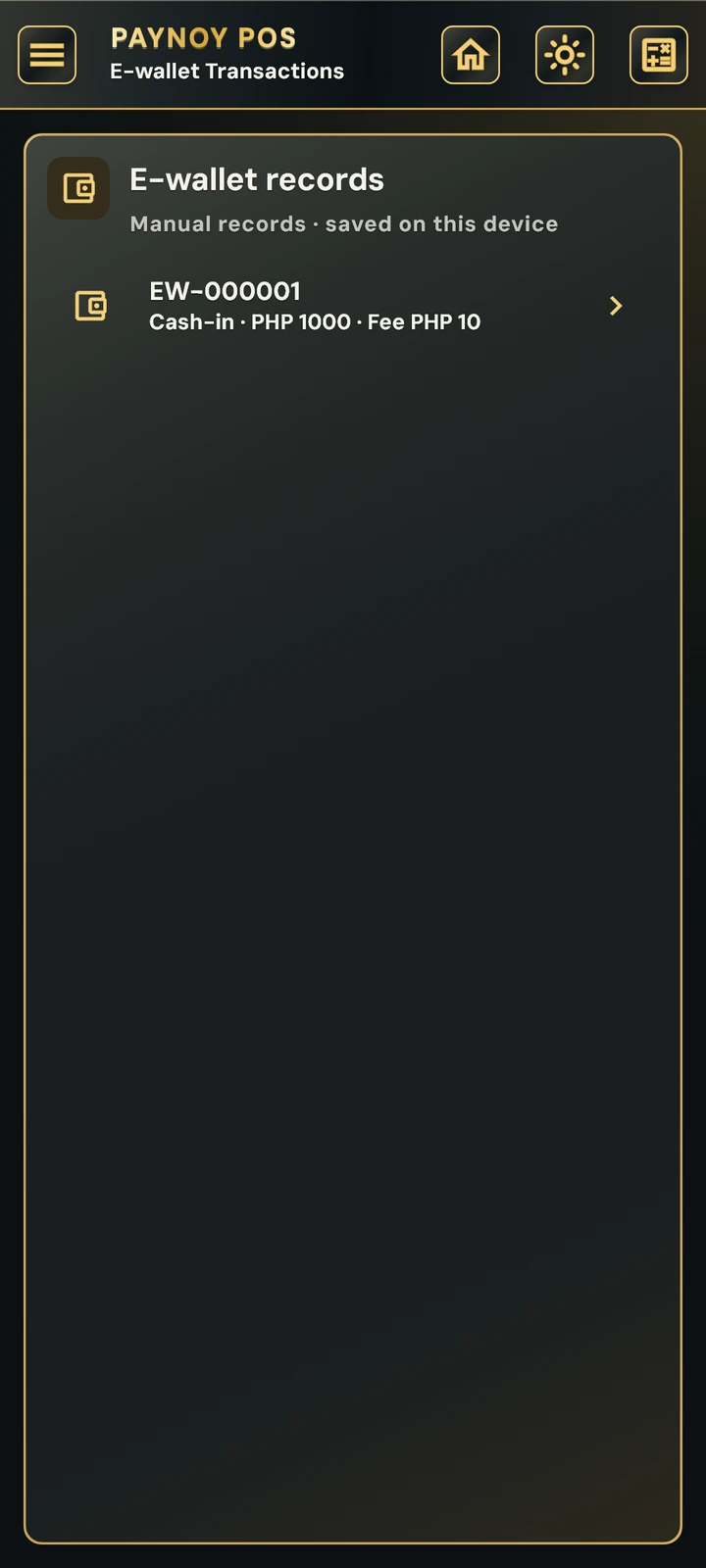
Expected result
A local bookkeeping record retains its amount, fee and optional reference number. No money is sent by this dialog.
If something goes wrong
Keep unknown or pending provider outcomes unresolved until verified. Never infer success from a browser return, screenshot or manual entry alone.
Support-channel information →